Reports | Component Variance
Overview
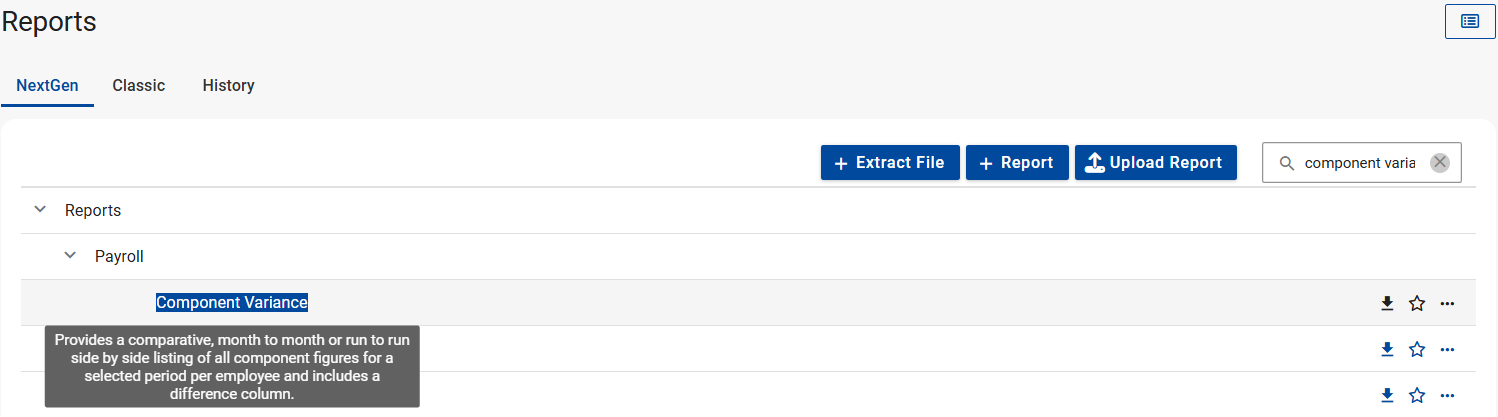
The Component Variance report provides a comparative listing of all component figures for a selected period per employee.
Edition

This feature is available on all Deel Local Payroll powered by payspace payroll editions
Navigation Path
Navigate > Reports > Reports > Nextgen > Reports > Payroll
Details
Report Parameters
Format
Field explanations
Selection Options
Field explanations
Apply filters
Field explanations
Extracts of the Component Variance report
Downloading progress toast notifications
The report header
Differences
Sum
For a specific employee
Exclude organisational unit grouping (checkbox disabled)
Exclude organisational unit grouping (checkbox enabled)
Group by organisational level
Additional report fields (Birth Date)
Organisation units (Child item only chosen)
Related Articles
Why are the figures on the Component Variance report doubled?
The figures on the Component Variance report may double if the Organisation Unit and the company name for which you generate the report are selected as a filter. To resolve the issue, ensure that you select either the Org Unit or Company Name option ...Which report can be generated that will systematically contain employees' financial data for a specified period?
Employees' financial data can be analysed on the Component Variance Report. Important! This report can only be generated for a period of thirteen months at a time. The system will provide a clear message to the user when they try to select a start ...Reports | Leave Transactions
Overview The Leave Transactions report provides a list of all leave transactions for a specified period; it can be generated according to the actual period taken or approval month. Navigation Path Navigate > Reports > Reports > Nextgen > Reports > ...Reports | Dynamic Employee Details
Overview The Dynamic Employee Details provides a list of various predefined employee fields that can be defined to build a report according to the users requirements. Edition This report is available on Lite, Premier and Master payroll editions. ...Where can I download the Loans report?
The outstanding balances of employee's loan deductions can monitored using the Loans Report. Navigate > Reports > Reports > Nextgen > Payroll